How to register a Redot Pay card → Google Wallet → Samsung Galaxy
From installing the Google Wallet APK to registering your ReddotPay Visa card, all in one place!

Why RedotPay Cards Need to Be Registered in Google Wallet
If you're using a Samsung Galaxy phone, you'll need to register Google Wallet to make NFC payments.
Registering your Redot Pay (Redot Pay) Visa card with Google Wallet allows you to make quick and easy contactless payments when traveling abroad or shopping online.
However, in Korea, there are cases where Google Wallet is not searchable in the Play Store, so I will tell you how to proceed by installing the APK.
We've outlined step-by-step instructions for registering your RedotPay card with Google Wallet on your Samsung Galaxy phone and using NFC payments.
If you cannot find the Google Wallet app in the Google Play Store, you can install it using the APK.
1. Checklist of supplies
|
|
|
|
|
|
|
Reddotpay app → Card issuance
|
|
|
|
|
|
|
|
Settings → Connections → Turn on NFC
|
|
|
|
Check Google login status
|
|
|
|
Settings → Security → Allow installation of unknown apps
|
Google Wallet is available in Korea.
Please check your country settings.
2. How to install the Google Wallet app (APK)
If you don't see Google Wallet in the Google Play Store, try the method below.
① Download APK → Access
Download the latest version of Google Wallet APK
https://www.apkmirror.com/apk/google-inc/google-wallet/
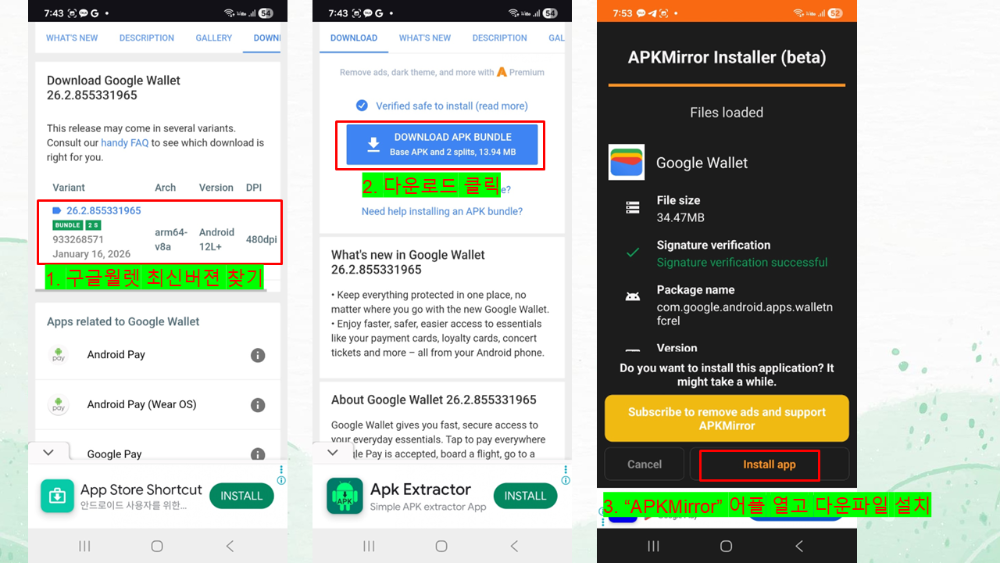
② APK installation
Galaxy phone → Settings → Security → Allow unknown apps
Run the downloaded APK → Installation complete
③ Launching the app and initial setup
Launch Google Wallet → Log in to your Google account
Make sure NFC is enabled
3. How to register a Reddotpay card
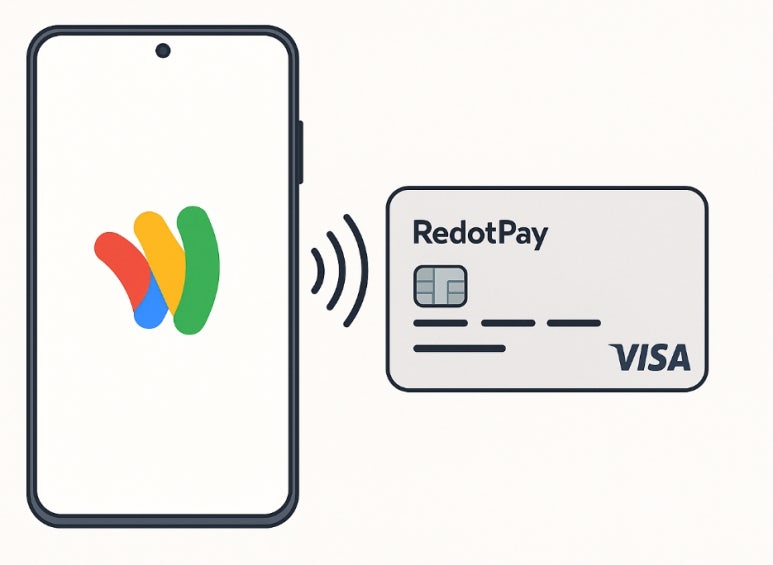
① Launch the Google Wallet app
② Add payment card → Select credit/debit card
③ Enter your Redotpay (Redotpay) Visa card information
(Enter card number/expiration date/CVC code)
④ Complete the authentication process
Request card authentication in the Reddotpay app → SMS or app push authentication
⑤ After registration is complete → NFC payment is available on Samsung Galaxy phones
4. Troubleshooting Tips
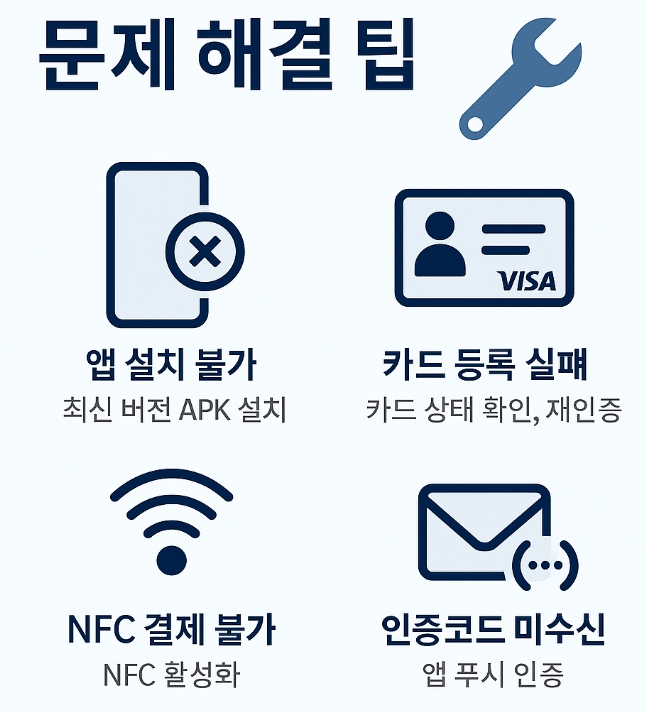
- App installation is not possible → This may be due to country/device restrictions. Try installing the latest version of APK.
- Card registration failure → There is a possibility that Visa authentication has failed.
Please go to the Redatpay app → Check card status → Re-authenticate.
NFC payment is not possible → Go to Samsung Galaxy phone settings → Connection → Activate NFC.
If you have not received the authentication code, we recommend trying app push authentication.
If you have set up overseas call blocking, please also check whether it has been lifted.
If you register your RedotPay card with Google Wallet on your Samsung Galaxy phone,
You can conveniently use it for overseas travel, online shopping, and offline NFC payments.
If you follow the steps from installing the Google Wallet APK to registering your card,
Anyone can easily set it up, so we hope this will be helpful to those who had difficulty registering for Google Wallet.
Registering RedotPay cards in Google Wallet is an officially supported feature.
Many users are successfully using NFC payments after installing the APK.
However, please note that compatibility may vary depending on some devices and Google account settings.
If anyone has tried it, please share your experience in the comments.
I think it will be of great help to others as well.